



Use videos as desktop wallpaper with DreamScene
One of the customization options available in Windows 7 Ultimate that has received most praise is DreamScene, because it allows users to change the images that are usually used as desktop wallpaper for videos and animations.
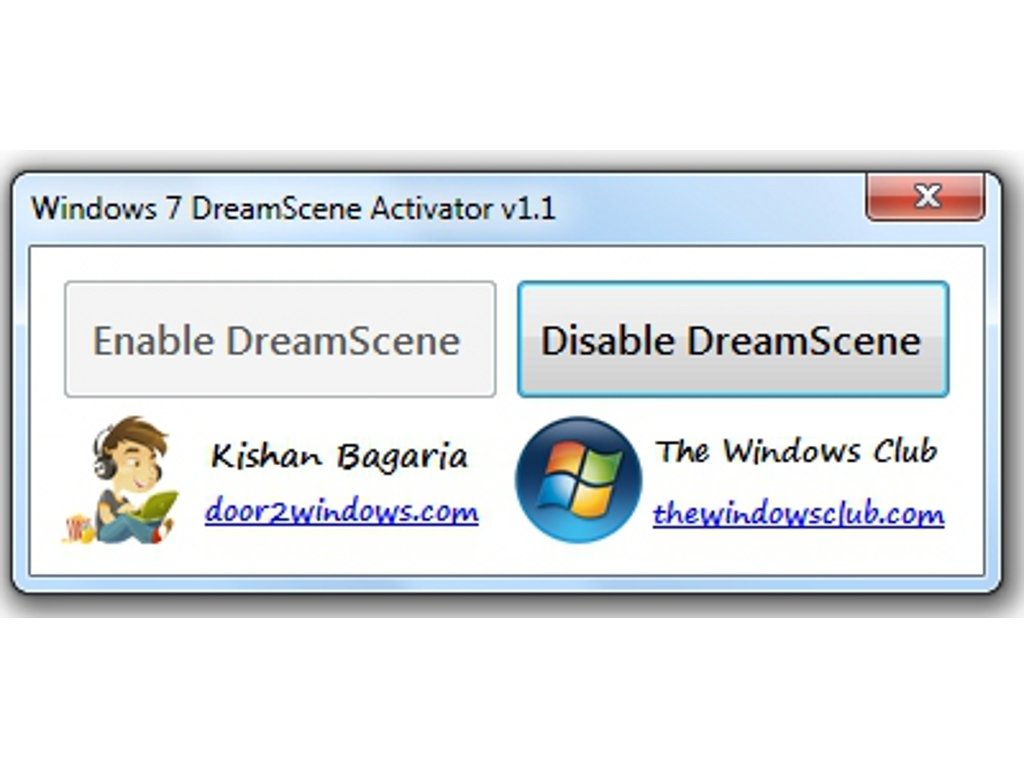
Windows 7 DreamScene Activator is a small portable application that allows you to activate DreamScene on any computer that uses the Windows 7 operating system, because basically it only writes a line in the Windows registry file.
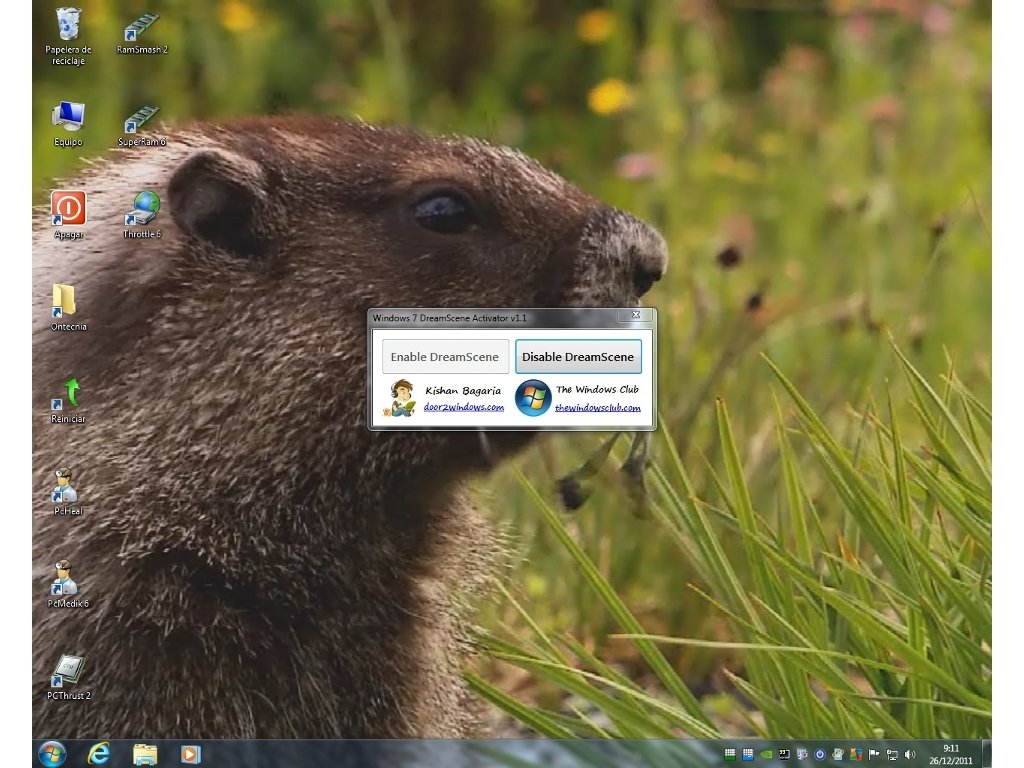
Use your favorite video as desktop wallpaper.
Windows 7 DreamScene Activator is very easy to use, because the only thing you need to do is to launch a small program and select “Enable DreamScene” so that you can use videos as desktop wallpaper.
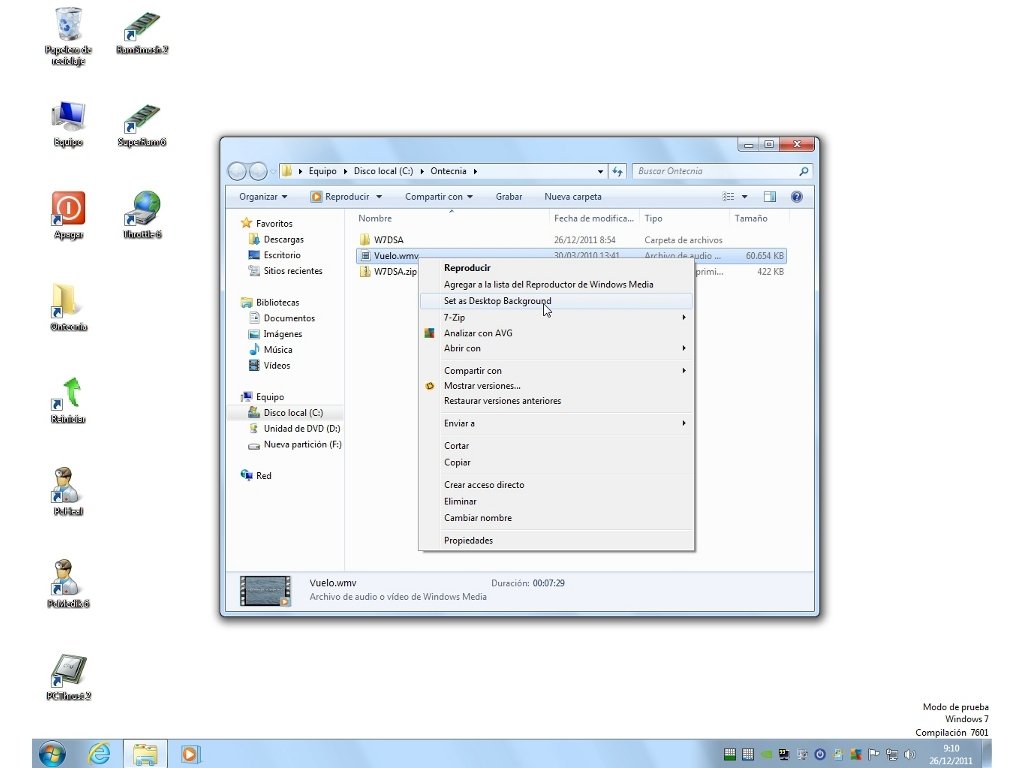
To be able to use any video, you only need to open the context menu on the file and select the “Set as Desktop Background” option.
Download Windows 7 DreamScene Activator for free to be able to activate one of the most stunning functions of Windows 7 on your computer.
Requirements and additional information:
- This download requires a ZIP compatible compressor.
- Only runs on Windows 7.
 Héctor Hernández
As a technology journalist with over 12 years of experience in the world of software and apps, I have had the opportunity to try all kinds of devices and operating systems over the years. I have done from software or mobile applications reviews...

Antony Peel